
Updated: 19 November 2026

WinWinter Verification: passing verification the first time
Pass your WinWinter verification smoothly by submitting valid identification documents, which are typically processed within 24–72 hours.
Have your ID and a recent utility bill ready before the first withdrawal.

WinWinter verification: documents table
To ensure the integrity of financial transactions, the system requires identity confirmation. This standard procedure ensures that the account holder is the person initiating the activity. Please note that before you initiate any deposit or account creation, you should verify if sign-ups are currently open for your location, as access for new UK players may be restricted periodically.
| Document | Requirements | When it is asked |
|---|---|---|
| Passport | Colour copy, all four corners visible, fully readable, valid expiry date, name matches account | First identity check |
| Driving licence | Colour copy, front and back, all four corners visible, readable, matches account details | First identity check |
| Utility bill | Colour, all four corners visible, name and address match account, issued within last 3 months | Proof of address check |
| Bank Statement | Colour, all four corners visible, shows account holder name and bank name, issued within 3 months | Proof of address check |
The verification table above outlines the core documents required to clear the KYC process. You must provide clear, high-resolution colour images. Black and white scans or low-quality photographs often lead to rejections. All corners of the document must be visible within the frame. Ensure that your name, address, and document expiry dates are not obscured by glare or shadows. Providing documents that match the registration details exactly is critical for a smooth review process. Staff typically review these submissions within 24-72 hours.
WinWinter verification: why documents bounce
Documents are rejected when they do not meet the strict technical criteria set by the cashier team. The most common cause is the submission of a document older than 3 months, particularly for utility bills or bank statements. If your document is outdated, the automated system and manual reviewers will flag it immediately. Always check the date of issue before uploading your file. Another common error is a cropped or blurred photo. If the edges of the ID card or passport are cut off, the system cannot verify that the full document exists, leading to an automatic decline. You must ensure the photo is taken in a well-lit environment without flash glare that hides important text.
Discrepancies between the account details and the documents are a frequent cause for rejection. If you registered with a nickname or a shortened version of your first name, the name on your passport or driving licence will not match the account profile. You should ensure that your account details are updated to match your identification documents before submitting them. Using a screenshot instead of a physical photo is another reason for rejection; files must be photographic reproductions of the document itself. Expired identification is never accepted. You must provide a currently valid passport or driving licence.
To upload your documents, follow these specific steps in your account:
- Log in to your WinWinter account using your registered credentials.
- Navigate to the Cashier or Account Settings section.
- Locate the verification tab or the KYC documentation section.
- Select the document type from the provided dropdown menu.
- Upload the file in the accepted format, typically JPG or PNG.
- Confirm the upload and wait for the status to change.
Once submitted, the files are queued for review. If a document is rejected, you will receive an update in your account inbox explaining the reason for the decline. You can then correct the issue, such as retaking a blurry photo or obtaining a newer bill, and re-upload the file.
WinWinter verification: when the check is triggered
Verification is mandatory before you can complete your first withdrawal of £50 or more. While you can often deposit and play without immediate KYC, the payout process remains locked until you have successfully provided proof of identity and address. We strongly recommend completing this process immediately after your first deposit to ensure there are no delays when you are ready to cash out your winnings. It is much better to handle the documentation while you are waiting for a session to begin than to deal with the wait when you are eager to receive funds.
Additional checks are triggered periodically. For instance, if you decide to use WinWinter payment methods that differ from your initial deposit method, the system may request updated verification documents to confirm that the new payment instrument belongs to you. This is a standard security measure to ensure that funds are returned to the correct owner. Furthermore, requesting a large amount, typically exceeding standard daily limits, will prompt a manual review of your account history and verification status.
Review times are typically 24-72 hours. This period is required for the team to verify the authenticity of your documents and cross-reference them with your account registration data. Below is a typical timeline for a first-time withdrawal:
- Day 1: You submit a withdrawal request for £200.
- Day 1-2: The system prompts for verification; you upload your passport and a utility bill.
- Day 2-3: The team reviews your documents (24-72 hour window).
- Day 3: Verification is approved, and the withdrawal status changes to processing.
- Day 4: Funds are released according to the chosen method’s specific payout timeline.
This timeline assumes that your documents are valid and accepted on the first attempt. If there is a need to resubmit, the clock resets, which is why providing clear, accurate documentation initially is paramount.
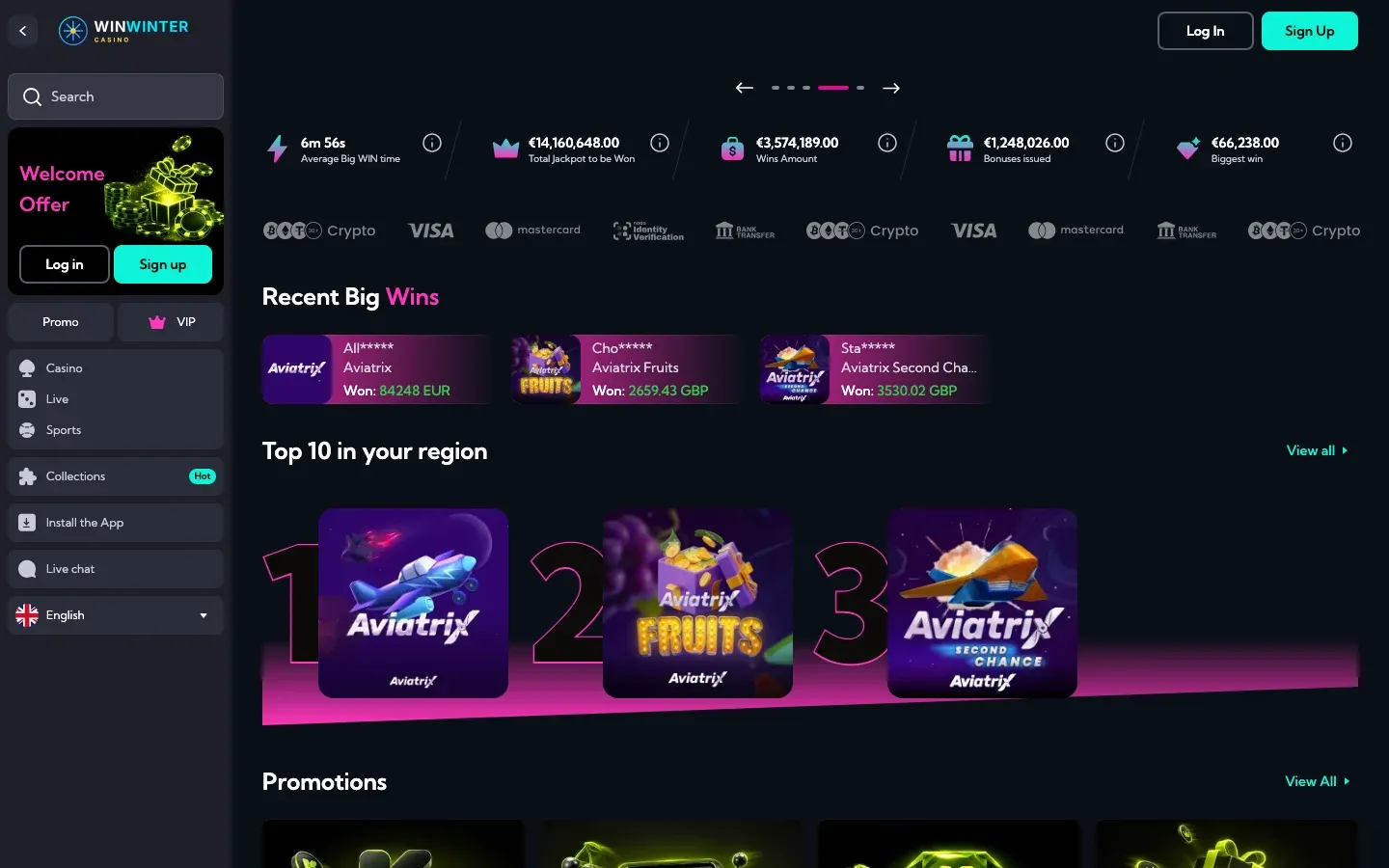
The lobby header with payout statistics and the crypto, Visa and Mastercard logos used in the cashier.
WinWinter verification: answers in brief
Can I play at the casino without completing verification?
You can deposit funds and play games before the verification process is complete. However, you cannot withdraw any winnings until your KYC process is finalised. Verification is a mandatory requirement before your first withdrawal of at least £50.
How will I know when my verification is approved?
The support team sends a notification once your documents are reviewed and approved. Verification checks typically take between 24 and 72 hours to process. You can also contact 24/7 live chat to confirm if your account status has been updated.
What should I do if my documents are rejected?
The casino usually sends an email explaining why a document was rejected. You must upload a new, clear version of the requested document through your account dashboard. For further assistance with a rejection, you may contact [email protected].
Do I need to verify my payment method every time I withdraw?
You generally verify your payment method during the first withdrawal request. Further verification is required if you decide to change your payout method or if you request a large amount. This step helps confirm the ownership of the new payment method used for the transaction.
Is there a minimum age requirement for this casino?
You must be 18 years of age or older to register an account. The verification process includes checking a passport or driving licence to confirm your age and identity. Strict age checks are performed for every player as part of the standard KYC procedure.